 Karma Posting
280 photos
$9.99 net
≈ $0.0357 net / photo
or 10 silent videos (8 s) · or 4 promo videos (15 s, EN)
Choose pack
Karma Studio · Furniture, lighting & decor
Turn manufacturer photos into new furniture, lighting and decor settings and product videos. Present your products on Instagram, Facebook and Google Business Profile.







 Get started in Studio →Try it with your product
4 free starter photos · one-time photo packs
One product. Many settings.
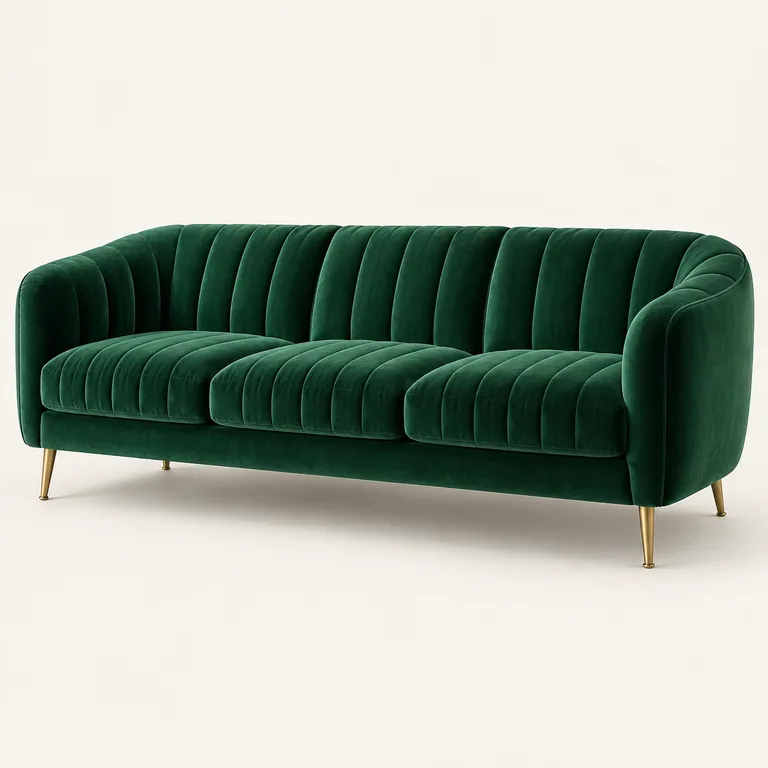
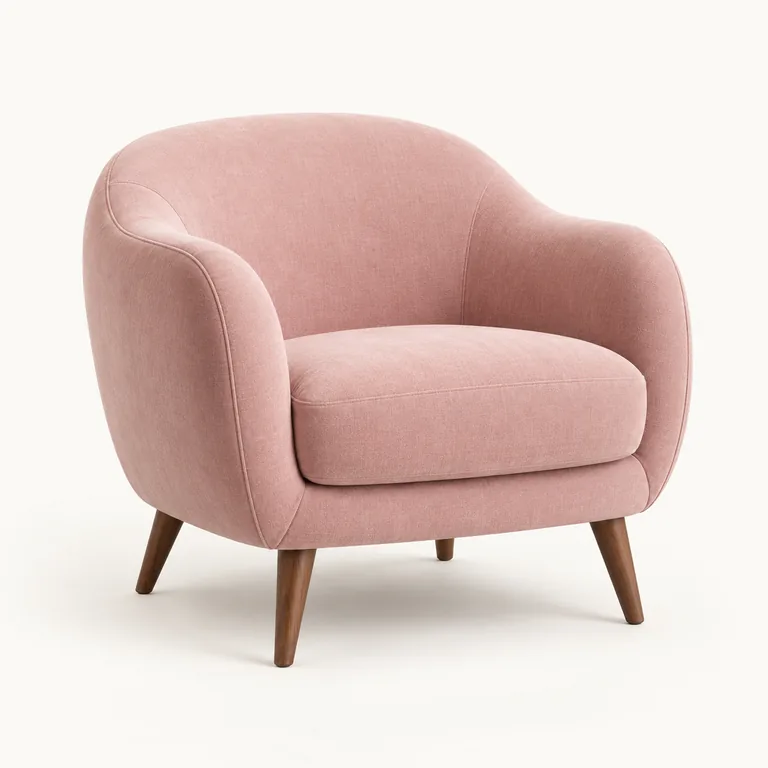
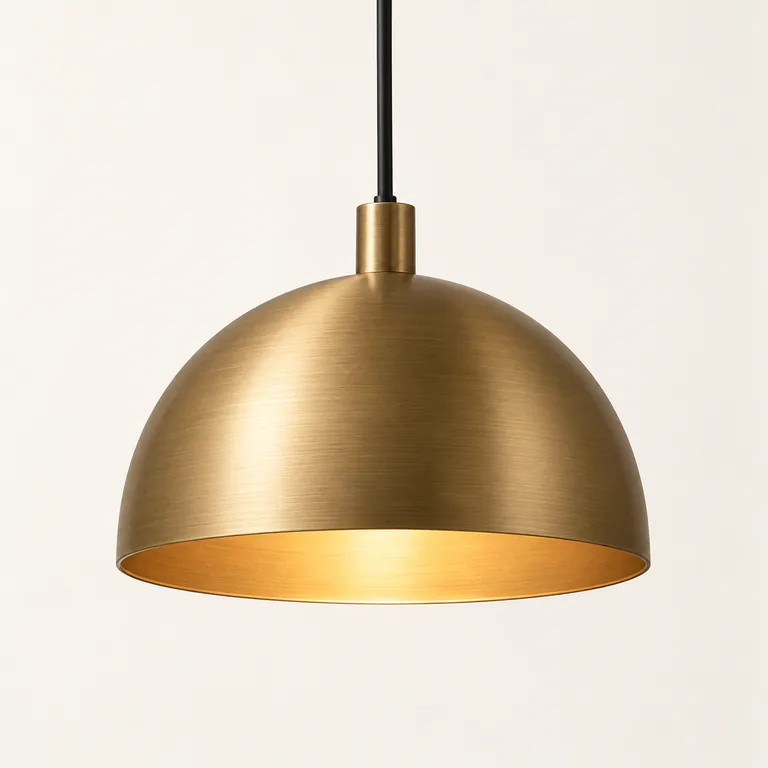
Sofas, chairs, lamps, sideboards and accessories in styled interiors. Add products from a file, URL or connected store catalogue.
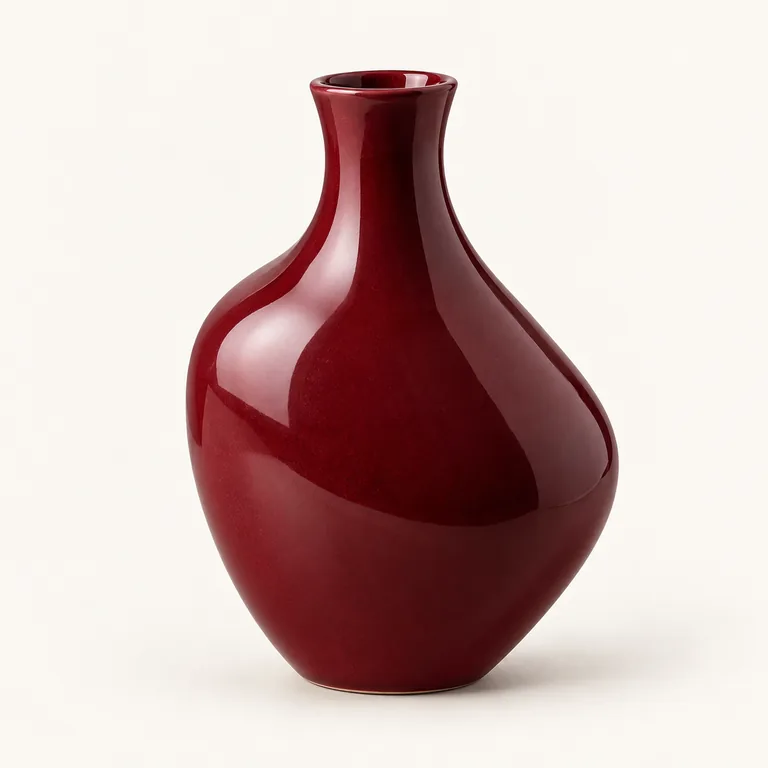
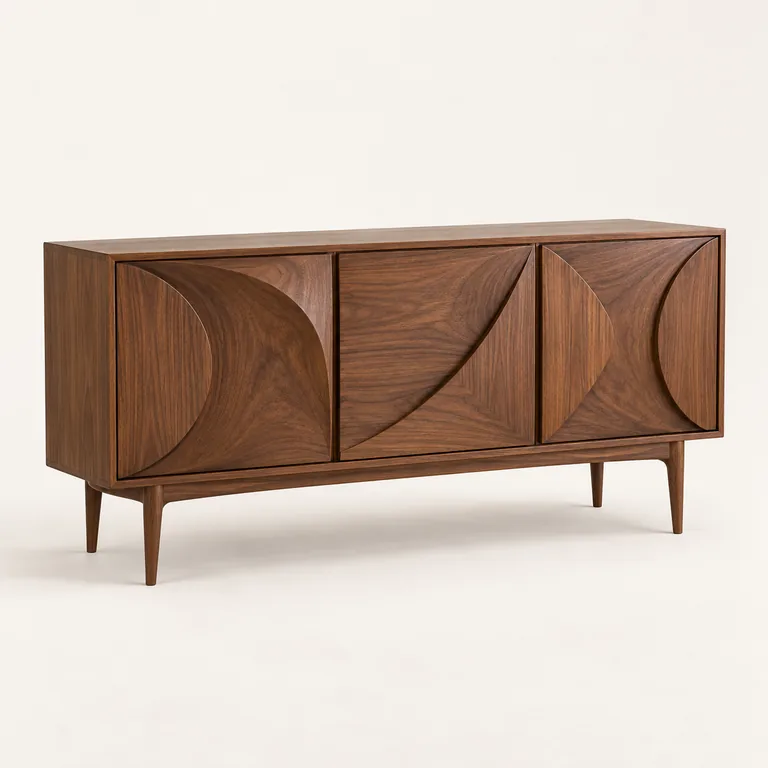
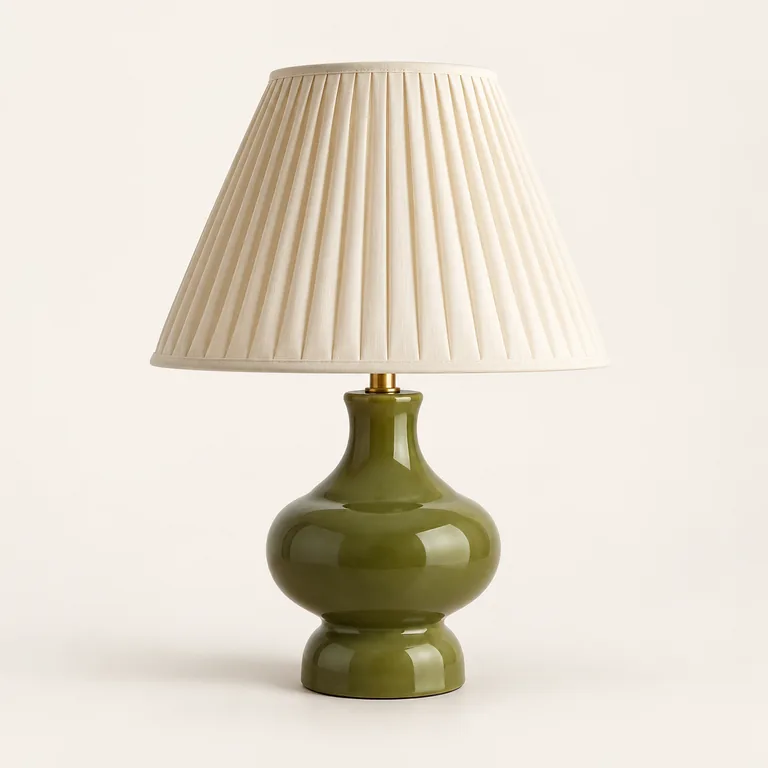
Upload a photo, paste a URL or choose from your catalogue.
Choose a room from the library or upload a photo of your own interior.
Create photos and video. Download your visuals or prepare a post in Karma.
Explore the examples below. Add your own photos in Studio after signing up or logging in.
3. Create your own photos
Open Karma StudioSign up or log in. Check the cost and available balance before generating.
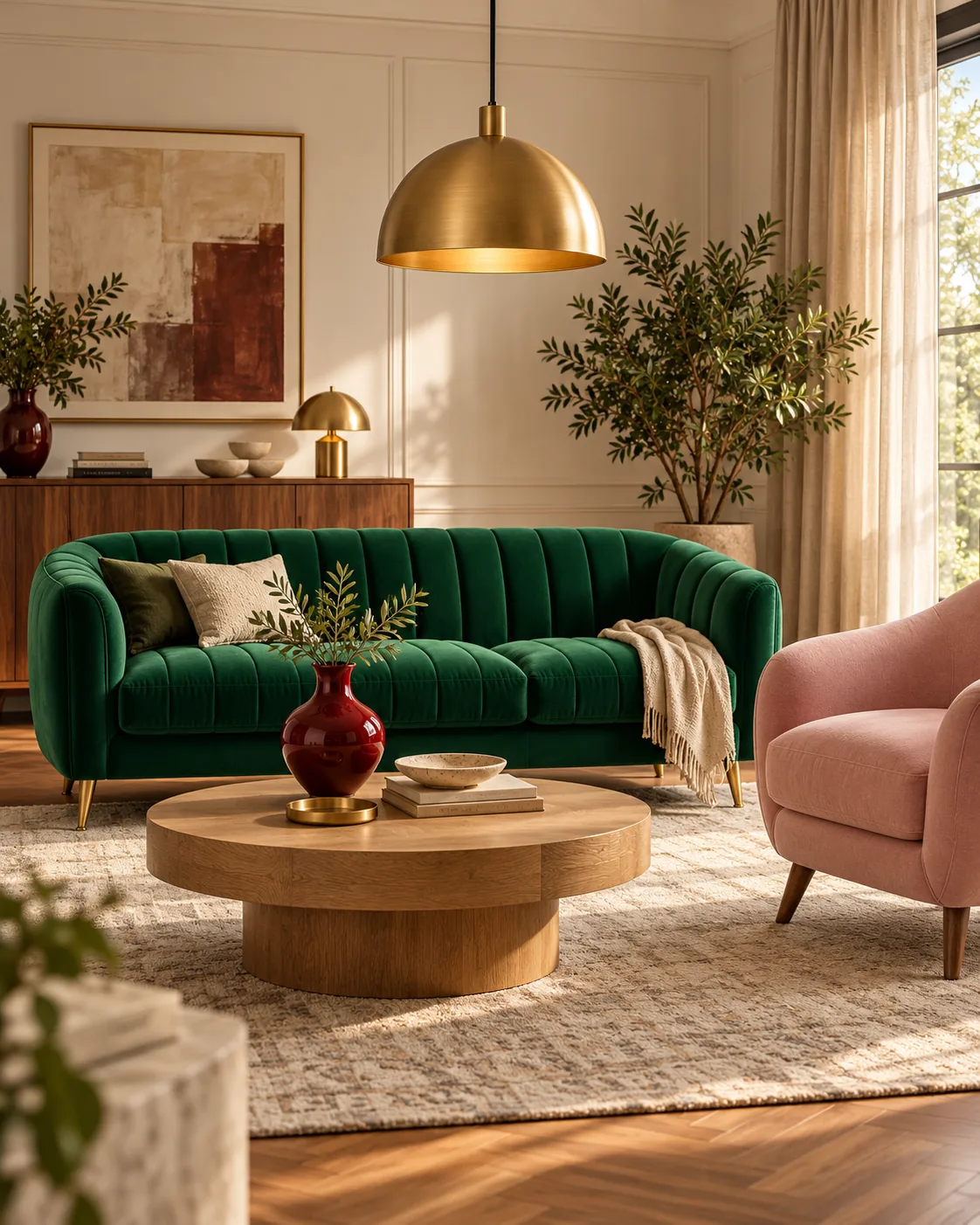
4 views = 4 photos from your packSofa in a living room Illustrative AI example
ProductAI resultProduct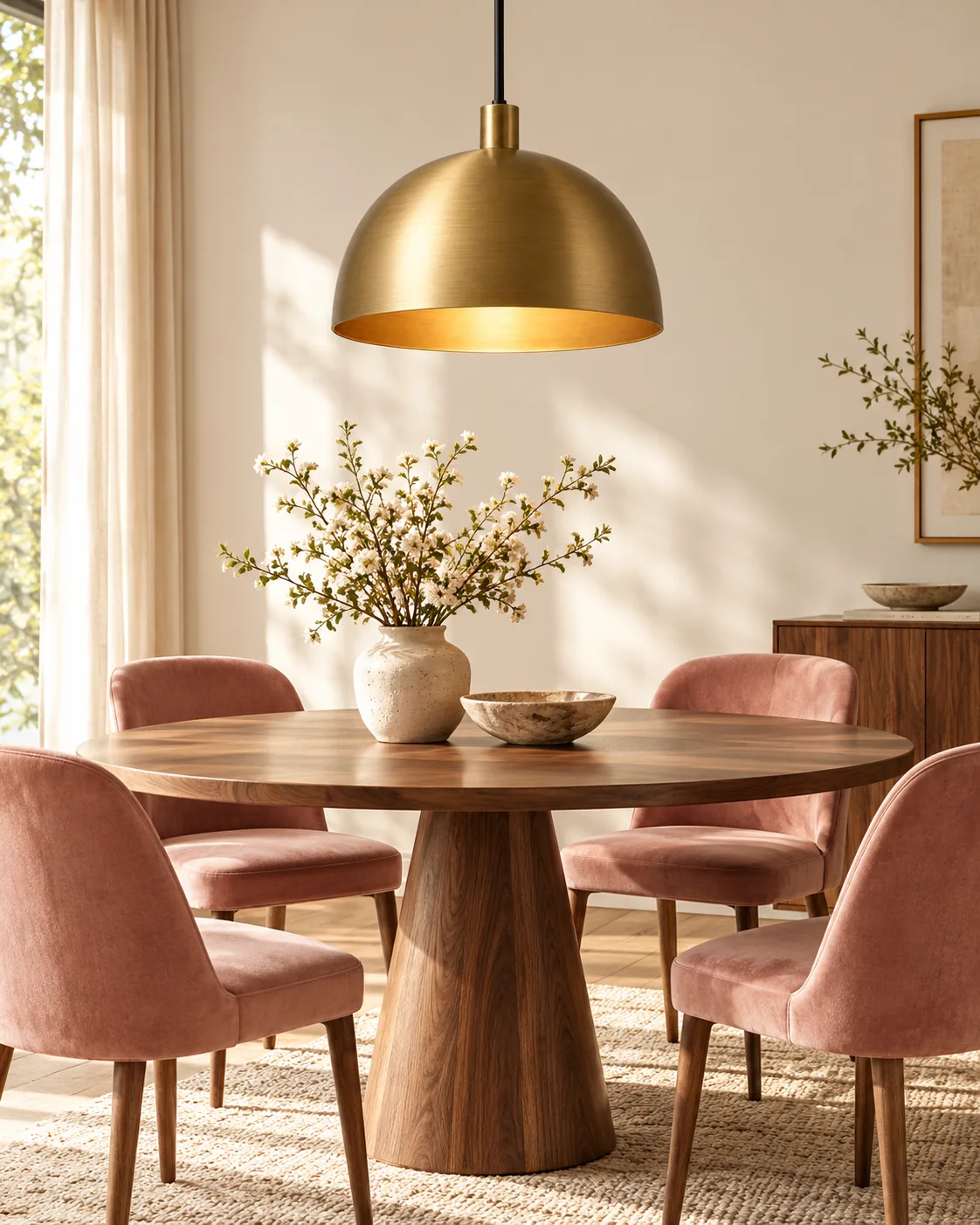 AI resultProduct
 AI result
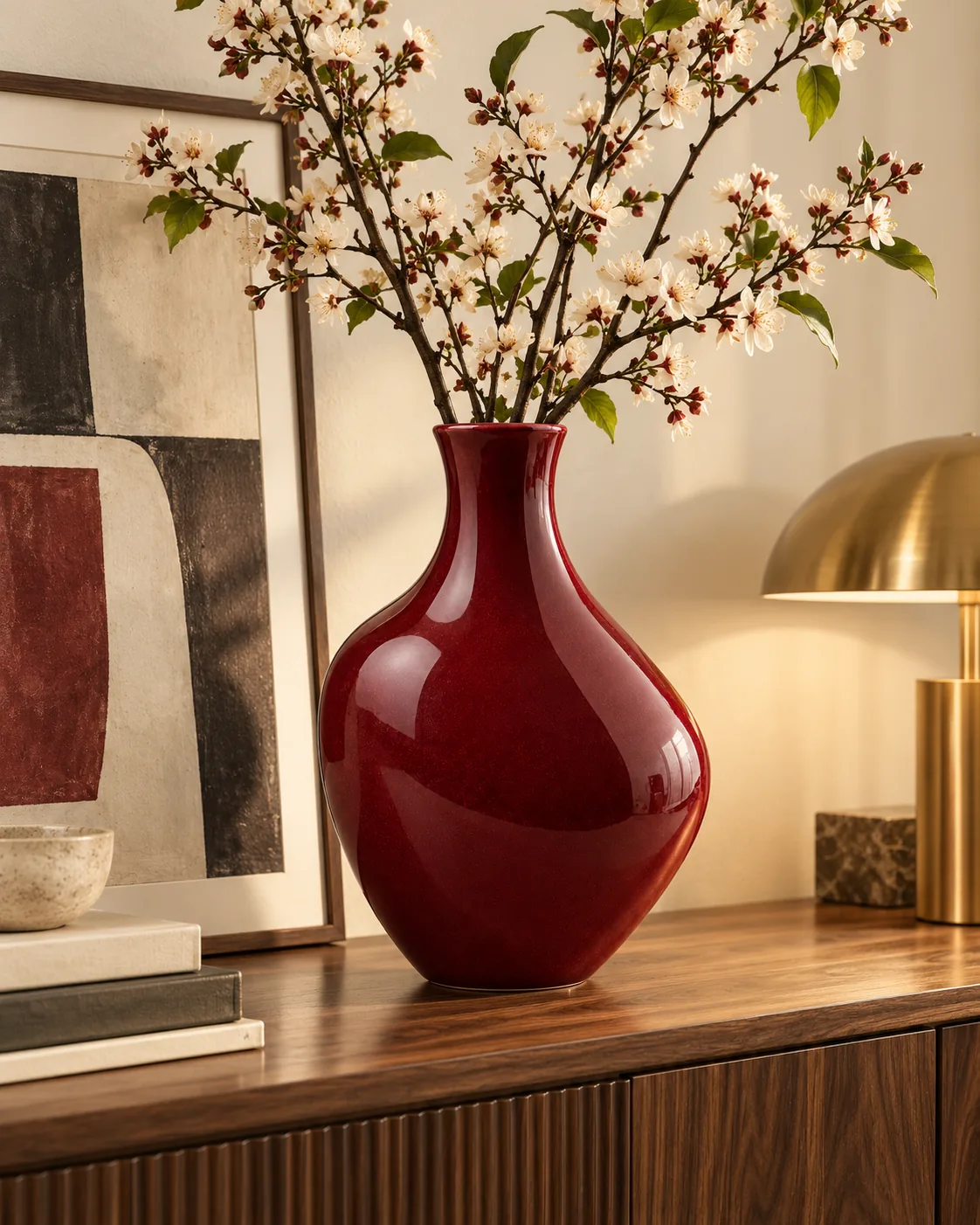
The gallery contains illustrations generated for this page. It is not a record of tests of the production Studio generator.
Buy a pack when you need photos. Net prices; tax is added at checkout.
$9.99 net
≈ $0.0357 net / photo
or 10 silent videos (8 s) · or 4 promo videos (15 s, EN)
Choose pack$29.99 net
≈ $0.0357 net / photo
or 30 silent videos (8 s) · or 14 promo videos (15 s, EN)
Choose pack$49.99 net
≈ $0.0357 net / photo
or 50 silent videos (8 s) · or 23 promo videos (15 s, EN)
Choose pack$99.99 net
≈ $0.0357 net / photo
or 100 silent videos (8 s) · or 46 promo videos (15 s, EN)
Choose pack| Feature / add-on | Scope | Monthly | Yearly |
|---|---|---|---|
| Photo and MP4 downloads | Manual upload to your CMS or marketplace; included in generation charges | $0 | $0 |
| Automatic export to international CMS platforms | WooCommerce, Shopify, PrestaShop, Magento / Adobe Commerce, Shopware 6, OpenCart, BigCommerce, Wix Stores, Squarespace Commerce | See the platform status in the integrations table | |
| Marketplace: Amazon | Ready-to-use photos and videos for your marketplace listings | Downloads included in your pack | |
Use product URLs, CSV or uploads today. Direct API connections to the listed international CMS platforms and marketplaces are planned or pending integration.
| Platform / catalogue source | Integration | Scope |
|---|---|---|
| WooCommerce | Planned | WordPress / WooCommerce REST API |
| PrestaShop | Planned | PrestaShop Webservice API |
| Shopify | Planned | Shopify Admin API |
| Magento / Adobe Commerce | To be integrated | REST / GraphQL API |
| Shopware 6 | To be integrated | Admin API |
| OpenCart | To be integrated | API / integration module |
| BigCommerce | To be integrated | Catalog API |
| Wix Stores | To be integrated | Wix Stores API |
| Squarespace Commerce | To be integrated | Commerce API |
 Amazon Seller Central | To be integrated | Selling Partner API |
| Other stores | Alternative | Without a CMS connection: URL, CSV file or photo — details below |
| Import method | Availability | How it works |
|---|---|---|
| Paste a product URL | Yes | Karma retrieves the photo from the product page — without manually downloading and uploading the file. |
| Bulk import from a CSV file | Yes | A list of product-page URLs or direct image links. Up to 30 rows per import. |
| Upload a photo manually | Yes | PNG, JPG or WebP, up to 10 MB per file. No store connection required. |
CSV is a plain-text table file. Columns: url (product page), imageUrl (direct image link), name (name, optional). Each row requires either url or imageUrl.
| Feature | Availability | Condition / Notes |
|---|---|---|
| 01 · Store and catalogue integration | ||
| Access to the connected store catalogue | Planned / to be integrated | Products available through the store connection with Karma |
| Support for catalogues with thousands of products | Planned / to be integrated | Find and select products without manually importing photos |
| Product search in the catalogue | Planned / to be integrated | Built-in search |
| Select a product by its thumbnail | Planned / to be integrated | Browse catalogue photos |
| Manually add a product photo | Yes | An alternative to a connected store |
| Add a product by URL | Yes | Retrieve the photo and data from the product page |
| Catalogue API and gallery connections | Planned / to be integrated | Direct catalogue import and gallery write-back for the listed international CMS platforms are planned or pending integration. Use uploads, product URLs or CSV today. |
| 02 · AI interior creation | ||
| AI visualisations for furniture, lighting and decor | Yes | Images of furniture, lighting and decor in styled interiors. |
| Choose a room and style | Yes | Choose a room from the library or upload a photo of your own interior. |
| Your own interior photo | Yes | Upload a room photo in Studio |
| Different photo formats | Yes | Living rooms, bedrooms, dining rooms and other interiors. Formats 1:1, 4:5, 9:16 and 16:9. |
| 03 · Photos, video and publishing | ||
| Publishing across 7 channels | Yes | Separate publishing plan: Facebook, Instagram, Threads, Google Business Profile, TikTok, YouTube and LinkedIn. Captions, schedule and publishing in the selected mode; connected accounts and supported formats required. |
| Fresh visuals from manufacturer photos | Yes | New scenes and settings from images you have permission to use; compare the result with the product |
| Generate interior photos | Yes | Charged to the photo pack |
| Video from a selected photo · 8 s | Yes | Silent clip; 28 photo units from the shared balance per video |
| Product promo video · 15 s | Yes | With sound and an English voice-over; 60 photo units from the shared balance per video |
| Use photos in Create Post | Yes | Send a generated photo to the Karma editor |
| Instagram, Facebook, Threads, LinkedIn, TikTok | Yes | Publish through connected accounts and supported formats |
| Google Business Profile | Yes | Photos in GBP posts |
| Calendar and publishing schedule | Yes | The existing Karma calendar |
| Download generated photos | Yes | $0 extra — included in generation charges; use in your store and marketplace listings |
| 04 · Packs and billing | ||
| Subscription | No | Purchase photo packs |
| 4 free photos | Yes | To start · $0 |
| Pack: 280 photos | $9.99 net | One-time purchase · or 10 silent videos (8 s) · or 4 promo videos (15 s, EN) |
| Pack: 840 photos | $29.99 net | One-time purchase · or 30 silent videos (8 s) · or 14 promo videos (15 s, EN) |
| Pack: 1,400 photos | $49.99 net | One-time purchase · or 50 silent videos (8 s) · or 23 promo videos (15 s, EN) |
| Pack: 2,800 photos | $99.99 net | One-time purchase · or 100 silent videos (8 s) · or 46 promo videos (15 s, EN) |
| Cost per photo | ≈ $0.0357 net / photo | Approximate; see each pack for details |
| 05 · Data and organisation | ||
| Products assigned to the store | Yes | The catalogue of the specific workspace |
| Your own photos and materials | Yes | Within the customer account |
| Use generated materials | Yes | In store posts and materials |
One shared balance for photos and videos. A silent video (8 s) costs 28 photos, a promo video (15 s, EN) 60 photos. For example a 280-photo pack is 280 photos, or 10 silent videos, or 4 promo videos. You can mix photos and videos.
Photo and MP4 downloads included in your pack
Automatic store export — planned / pending integration. Details
Publishing across 7 channels — a separate Karma plan. View plans
Generation, store export and publishing are billed separately. One-time packs without automatic renewal.
4 free starter photos. * As of October 2026. Prices and features are subject to change.
Direct catalogue and gallery API connections are planned or pending integration — see the platform logos and statuses below. Product URLs, CSV and image uploads are available now.
Download your images for marketplace listings. The direct Amazon catalogue connection is marked “To be integrated”; automatic marketplace synchronisation is not active.
Sofas, chairs, tables, sideboards, lamps, vases and other accessories. Turn a product photo into fresh settings for your store, marketplace listings and social media.
Choose a sharp photo of the whole product showing its details. Use your own image or a manufacturer photo that you have permission to use.
Yes. Upload a photo of your room in Studio and create a new setting with your materials, furniture or accessories.
Add products from WooCommerce, Shopify, PrestaShop or another store using a photo, product link or CSV — up to 30 products at a time. If you use a catalogue connected through the API, select products without manually uploading their photos.
Yes. Turn manufacturer photos into fresh settings, compositions, close-ups and videos to present the same products in your own style. Use photos you have permission to use.
Use your finished photos and videos in WooCommerce, Shopify, PrestaShop, other stores and Amazon listings. Add products using photos, links or CSV, create fresh visuals and use them wherever you sell.
A supported two-way API connection lets you select a catalogue product, create fresh photos and send them back to its gallery without manually saving and uploading files. Find your store in the integrations section to see its connection options. You can also download your finished photos and add them to your store yourself.
Choose 280 photos for $9.99 net, 840 for $29.99, 1,400 for $49.99 or 2,800 for $99.99. That is approximately $0.036 net per photo. Each pack is a one-time purchase, without a subscription.
Your pack is valid for 30 days from purchase. It does not renew automatically, and unused balance expires after that period. Download your finished files to your own device during this time.
Yes. Create 8-second silent clips or 15-second promotional videos with sound and an English voice-over. Photos and videos share one balance: a photo uses 1 unit, an 8-second clip uses 20 and a promo video uses 60. A 280-photo pack therefore gives you 280 photos, 14 short clips or 4 promo videos. You can mix formats.
Yes. Create an account to get 4 free starter photos. Try the results with your own products before buying a pack.
No. Downloads of finished photos and MP4 videos are included in your pack. Save them to your computer and use them in your store, marketplace listings and promotional materials.
Yes. Use the visuals in your store, Amazon listings, social media and ads. You need permission to use the source photos and any people or brands shown.
Yes. Choose a separate publishing plan. Karma writes captions, prepares a schedule and publishes posts on Facebook, Instagram, Threads, TikTok, YouTube, LinkedIn and Google Business Profile. Approve the posts or choose automatic publishing. Studio generation, store export and publishing are purchased separately.